> For the complete documentation index, see [llms.txt](https://docs.bizmagnets.ai/llms.txt). Markdown versions of documentation pages are available by appending `.md` to page URLs; this page is available as [Markdown](https://docs.bizmagnets.ai/bot-flows/bot-management.md).
# Bot Management
Easily manage the cards in your bot flow with straightforward steps to copy, edit, and delete them.
## **Managing Cards**
When you hover over the Card, you'll find options to copy the card, edit the block, and a "x" icon to delete the card.
### **Copy the Cards:**
To copy a card in the bot flow, click on the duplicate icon.
### **Edit the Cards**
To edit a card in the bot flow, click on the edit icon.
### **Delete the Cards**
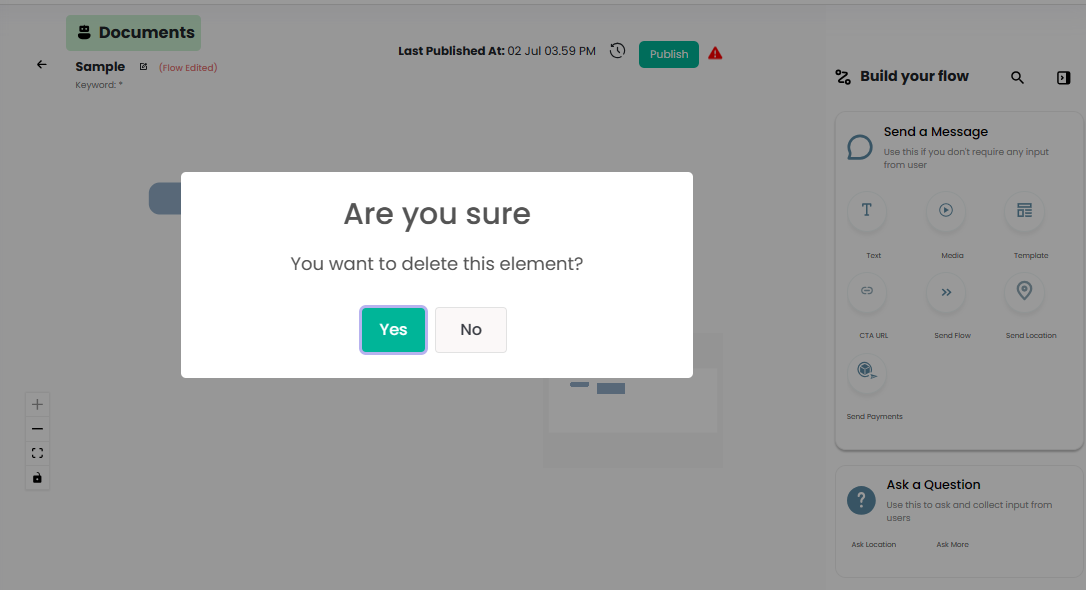
To delete a card from the bot flow, click on the 'X' icon.